
Typography
Typography controls the styling of all text elements across the theme — headings (h1-h6), Body, Pre, Small, Extra Small and Display. Fully responsive across the Desktop, Tablet and Mobile breakpoints. Whichever text style you edit, it exposes the same set of settings described below.
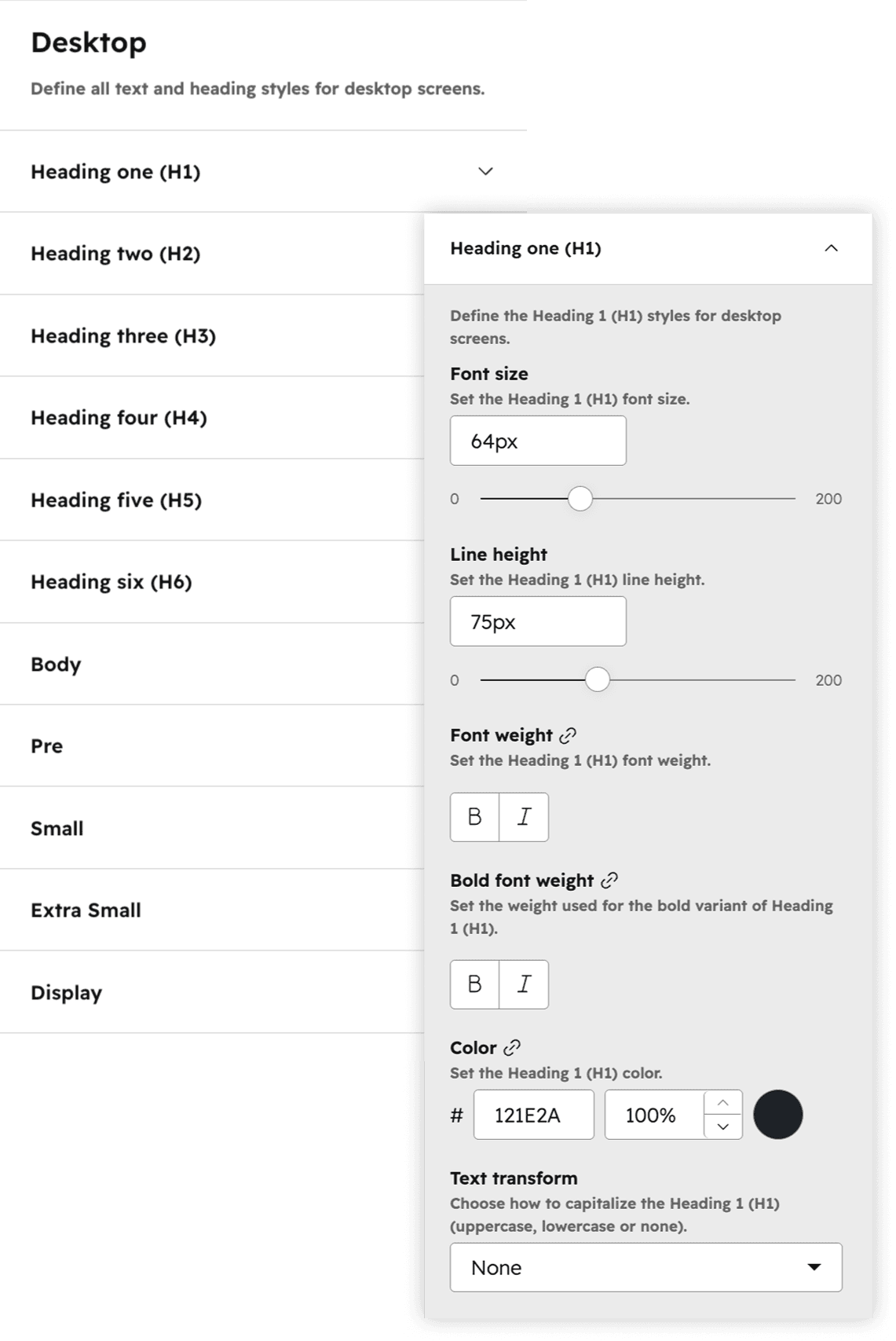
Font size
Sets the size of the text for the selected style, defined per breakpoint so text scales appropriately on desktop, tablet and mobile.
Line height
Controls the vertical spacing between lines of text, adjusting how tight or airy multi-line copy reads.
Font weight
Sets the default thickness of the text, from light to bold, using the weights available for the themes font.
Bold font weight
Defines the weight applied when text within this style is emphasized in bold, so bold text has a distinct thickness from the default.
Color
Sets the text color for the style, typically drawn from the themes global color palette.
Text transform
Controls letter casing for the style, with the options None, Capitalize, Uppercase and Lowercase.