
Blog post body
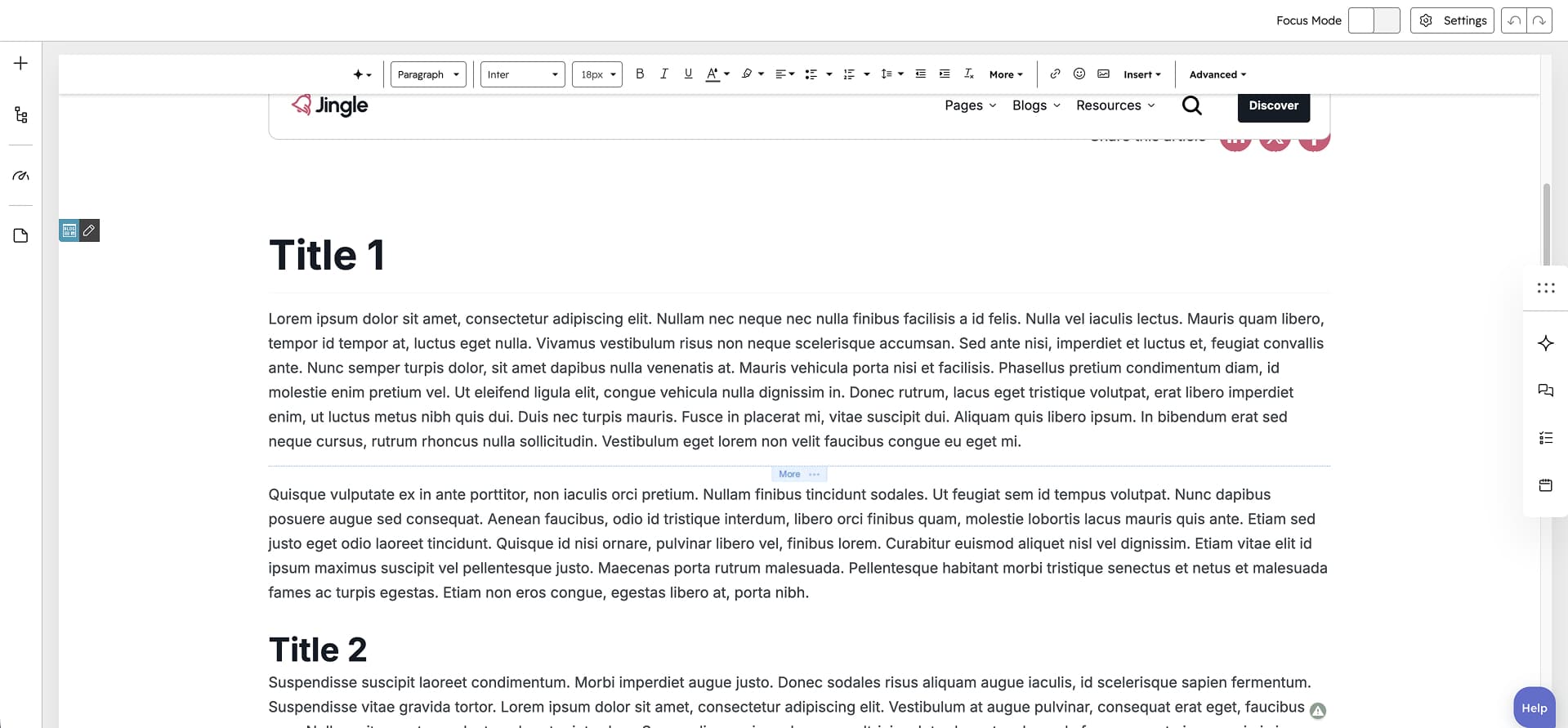
The Blog post body module renders the main content of a single blog post by outputting the posts rich-text body. It is meant for blog post pages only and has no content fields of its own, falling back to mock post data in the previewer so the layout can be seen while editing. Use it as the core article content area on a blog post template.
Vertical alignment
The Vertical alignment group exposes separate Mobile display, Tablet display and Desktop display selects, one per screen size. Each offers the same choices: Top, Center, Bottom, Space around, Space between and Stretch. All three default to Top.
Horizontal alignment
The Horizontal alignment group exposes separate Mobile display, Tablet display and Desktop display selects, one per screen size. Each offers the same choices: Left, Center, Right, Space around, Space between and Stretch. All three default to Left.
Text alignment
The Text alignment group exposes separate Mobile display, Tablet display and Desktop display selects, one per screen size. Each offers the choices Left, Center and Right. All three default to Left.
Animation settings
The Animation settings group configures how the module animates as it scrolls into view. Animation type selects the entrance effect from None, Fade in, Fade up, Fade down, Fade left, Fade right, Zoom in, Zoom out, Slide up, Slide down, Slide left and Slide right (default None). Duration is a slider from 0.1 to 3 s in 0.1 steps (default 0.6), Delay runs from 0 to 5 s in 0.05 steps (default 0), and Travel distance runs from 0 to 200 px in steps of 5 (default 30). Easing chooses the motion curve from Smooth (power1.out), Default (power2.out), Snappy (power3.out), Very snappy (expo.out), Sine (sine.out), Overshoot (back.out), Springy (elastic.out), Bouncy (bounce.out) and Linear (none) (default Default (power2.out)). Duration, Easing and Delay are hidden while Animation type is None, and Travel distance is hidden for None, Fade in, Zoom in and Zoom out.
Mobile order
The Mobile order slider runs from -5 to 5 in steps of 1 and reorders this module relative to its sibling modules on mobile screens, with lower numbers appearing first.