
Website logo
The Website logo module displays your company logo, defaulting to the brand logo inherited from your HubSpot settings while allowing an override image, and wraps it in an optional link. It is well suited to headers, footers or anywhere you need a clickable brand mark that stays consistent with your account branding.
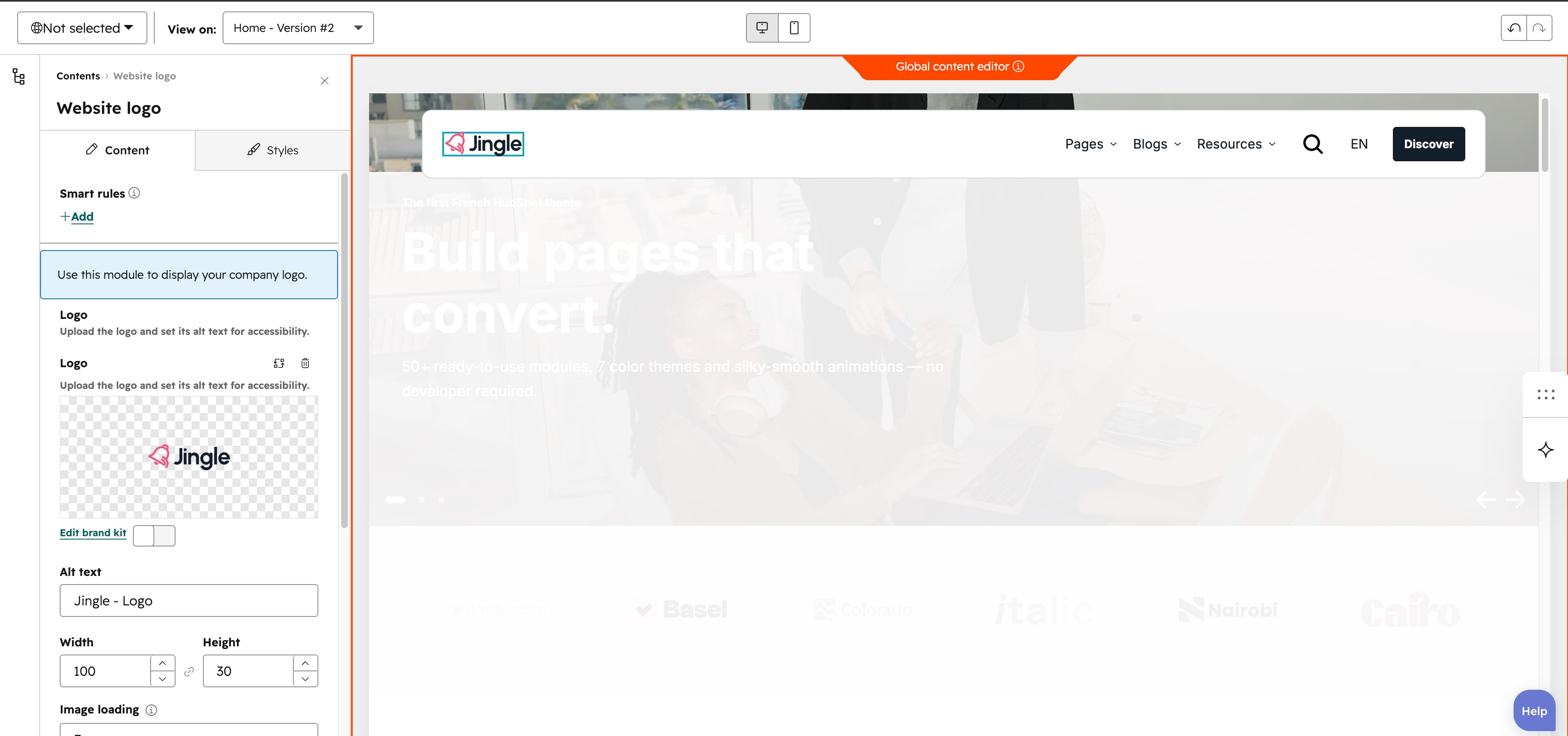
Logo
The Logo field uses HubSpots logo type: it inherits the account logo from your brand settings by default, and lets you override the source and set alt text for accessibility.
Link
The Link field wraps the logo in a link that accepts external, content and blog targets, with open-in-new-tab and no-follow options; leave it empty for a non-clickable logo.
Vertical alignment
The Vertical alignment group sets vertical alignment per screen size through Mobile display, Tablet display and Desktop display selects; each offers Top (default), Center, Bottom, Space around, Space between and Stretch.
Horizontal alignment
The Horizontal alignment group sets horizontal alignment per screen size through Mobile display, Tablet display and Desktop display selects; each offers Left (default), Center, Right, Space around, Space between and Stretch.
Animation settings
The Animation settings group controls the scroll-into-view animation. Animation type chooses the entrance effect — None (default), Fade in, Fade up, Fade down, Fade left, Fade right, Zoom in, Zoom out, Slide up, Slide down, Slide left or Slide right. When a type other than None is chosen, Duration (0.1 to 3s, step 0.1, default 0.6s), Easing (Smooth (power1.out), Default (power2.out) [default], Snappy (power3.out), Very snappy (expo.out), Sine (sine.out), Overshoot (back.out), Springy (elastic.out), Bouncy (bounce.out) or Linear (none)) and Delay (0 to 5s, step 0.05, default 0s) appear, and Travel distance (0 to 200px, step 5, default 30px) is shown for slide and directional fade animations.
Mobile order
The Mobile order slider ranges from -5 to 5 (step 1); lower numbers appear first, letting you shift the module up or down relative to sibling modules on mobile screens.