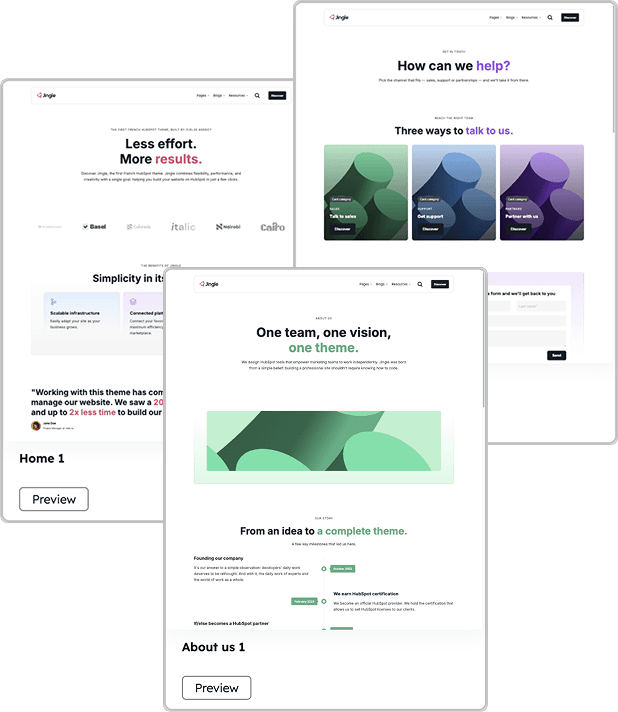
Website pages
Website page templates are the foundation for your evergreen pages — home, about, contact, pricing, FAQ, team and more. Each template ships as a starting layout you create a page from, then edit freely in the drag-and-drop content editor.
Create a website page
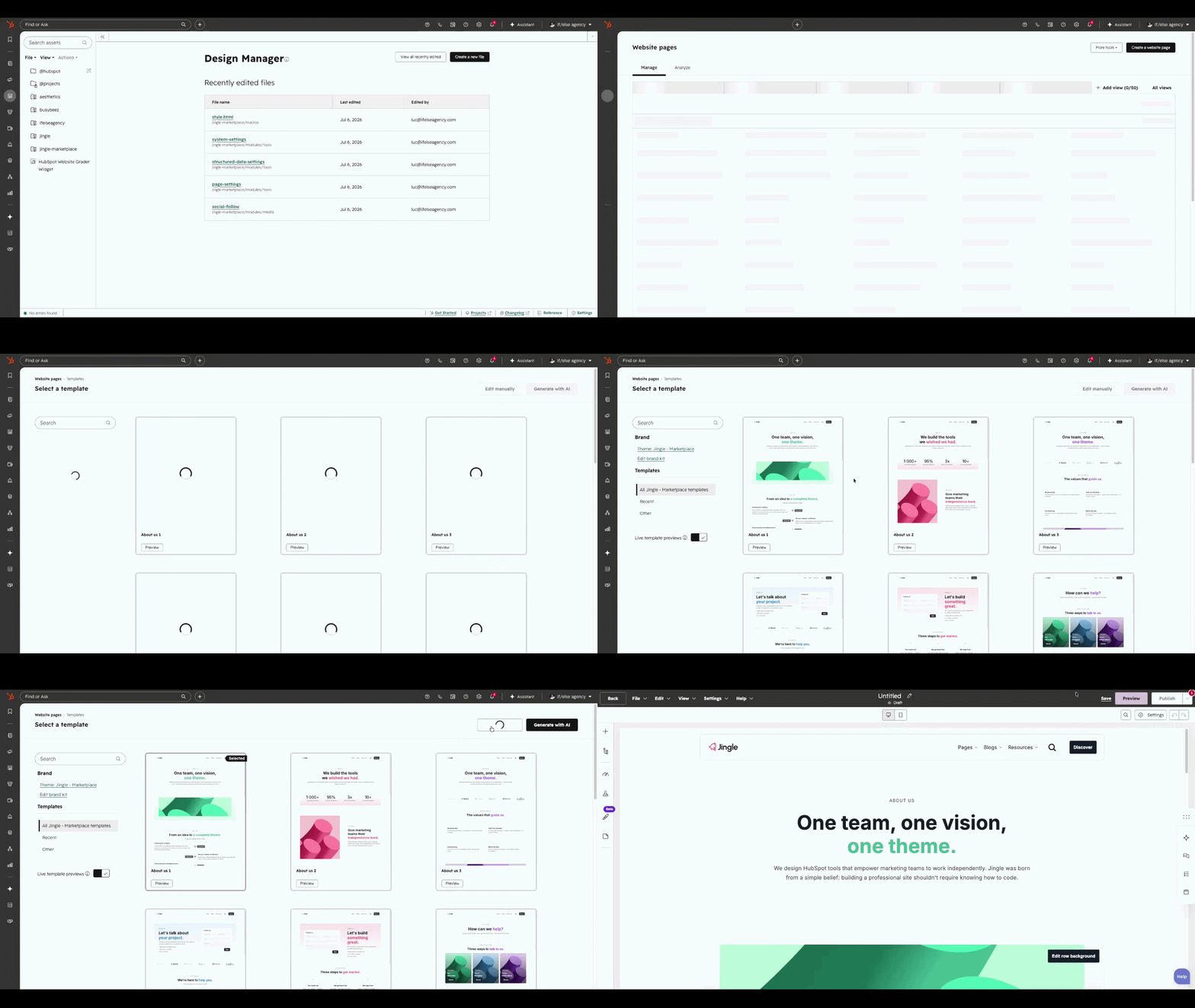
In the main navigation go to Content > Website Pages, then click Create a website page in the top right.
Pick the Jingle theme
The first time you create a page, choose the Jingle theme. Its templates then appear under the Theme templates section for every new page.
Select a template
On the template selection screen, preview a Jingle website template, then click it and choose Edit manually to open it in the editor.
Edit and publish
Replace the placeholder content, adjust modules and sections, then publish. You can swap the template later from the page settings without losing your content.