
Blog comments
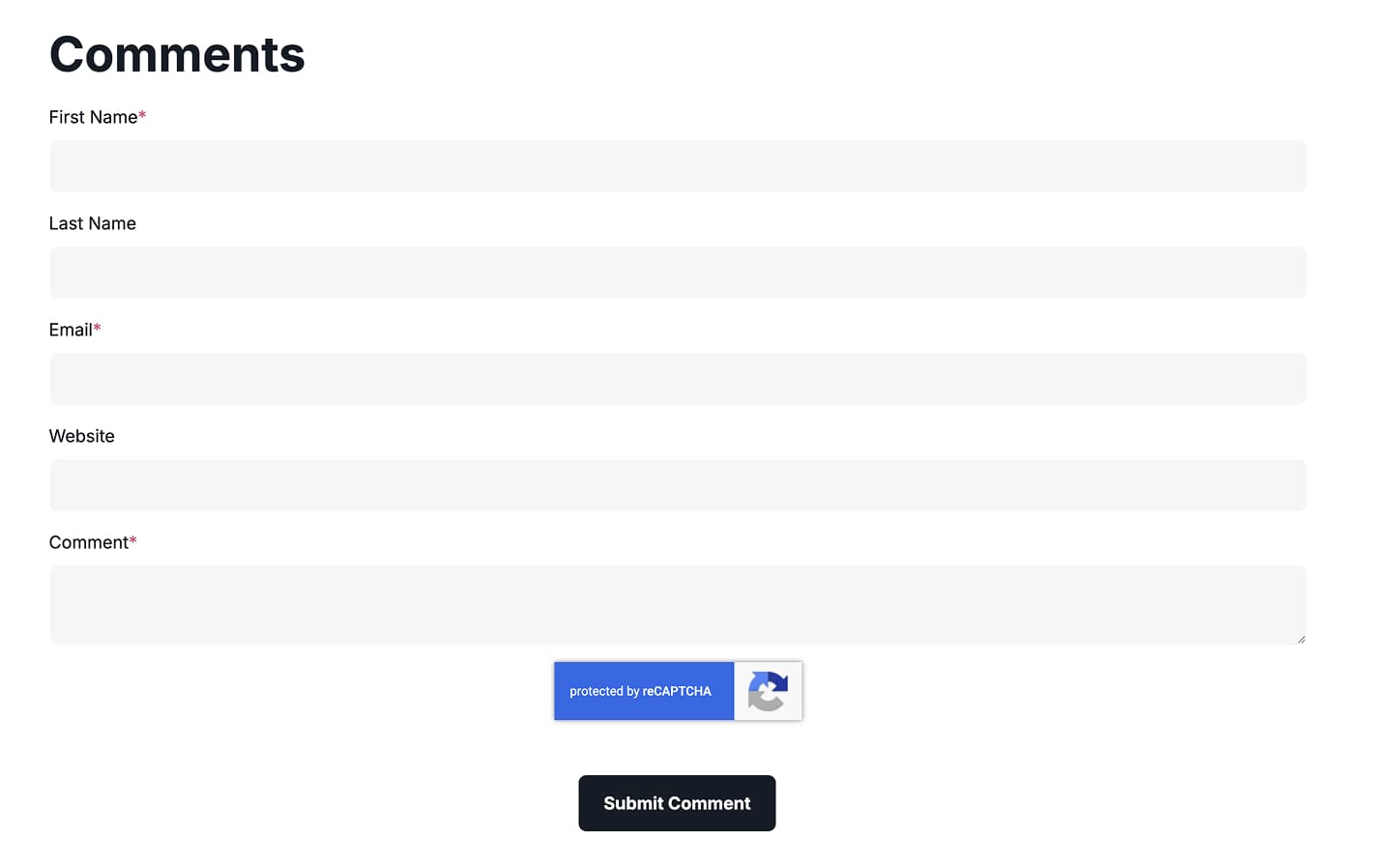
The Blog comments module displays the native HubSpot comment thread for a blog post, preceded by an editable heading or intro. It is intended for blog post pages only and relies on HubSpots built-in commenting, so commenting must be enabled in the blog settings for comments to appear. Use it at the bottom of a post to let readers leave and read comments.
Description
Description is a locked rich-text field that defaults to an H2 reading Comments. It is rendered above the comment thread to introduce the section, and you can edit its text and formatting. The native HubSpot comment thread is then output beneath it, so commenting must be enabled in the blog settings for the comments to appear.
Vertical alignment
The Vertical alignment group sets how content aligns vertically per screen size through separate Mobile display, Tablet display and Desktop display selects. Each offers Top, Center, Bottom, Space around, Space between and Stretch, and all three default to Top.
Horizontal alignment
The Horizontal alignment group sets how content aligns horizontally per screen size through separate Mobile display, Tablet display and Desktop display selects. Each offers Left, Center, Right, Space around, Space between and Stretch, and all three default to Left.
Text alignment
The Text alignment group sets how text aligns per screen size through separate Mobile display, Tablet display and Desktop display selects. Each offers Left, Center and Right, and all three default to Left.
Animation settings
The Animation settings group controls how the module animates into view. Animation type offers None (default), Fade in, Fade up, Fade down, Fade left, Fade right, Zoom in, Zoom out, Slide up, Slide down, Slide left and Slide right. When a type other than None is chosen, Duration (0.1–3s, step 0.1, default 0.6s), Easing (Smooth (power1.out), Default (power2.out) default, Snappy (power3.out), Very snappy (expo.out), Sine (sine.out), Overshoot (back.out), Springy (elastic.out), Bouncy (bounce.out) and Linear (none)) and Delay (0–5s, step 0.05, default 0s) appear. Travel distance (0–200px, step 5, default 30px) is shown for slide and directional fade animations.
Mobile order
The Mobile order slider (-5 to 5, step 1) reorders this column on mobile; lower numbers appear first, letting you shift the module up or down relative to sibling modules on mobile screens.