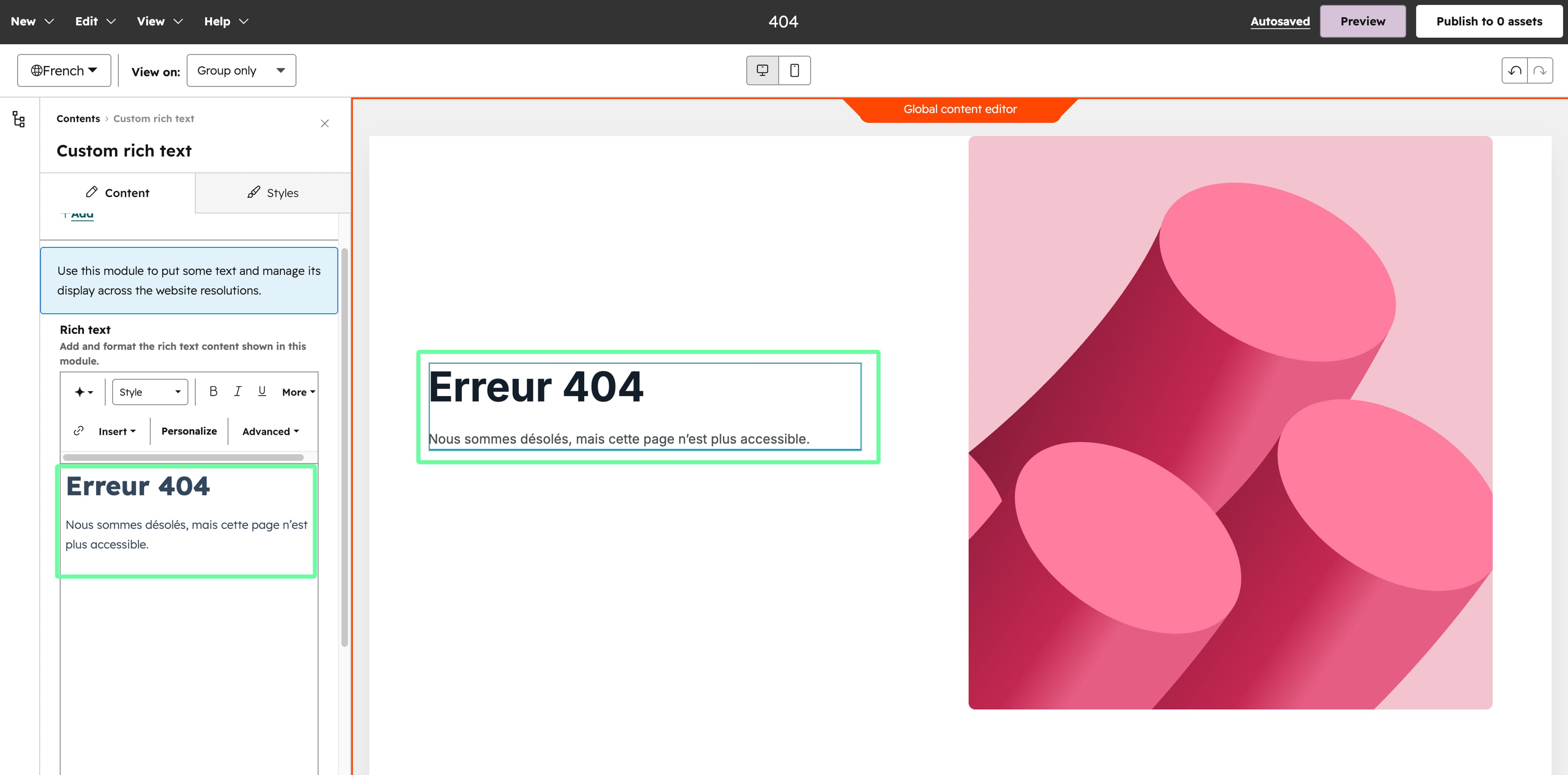
System pages
System page templates cover the pages HubSpot serves automatically: the 404 and 500 error pages, membership login and registration, password reset, the password prompt, search results, and email subscription pages. You dont create them like a normal page — you assign them in settings.
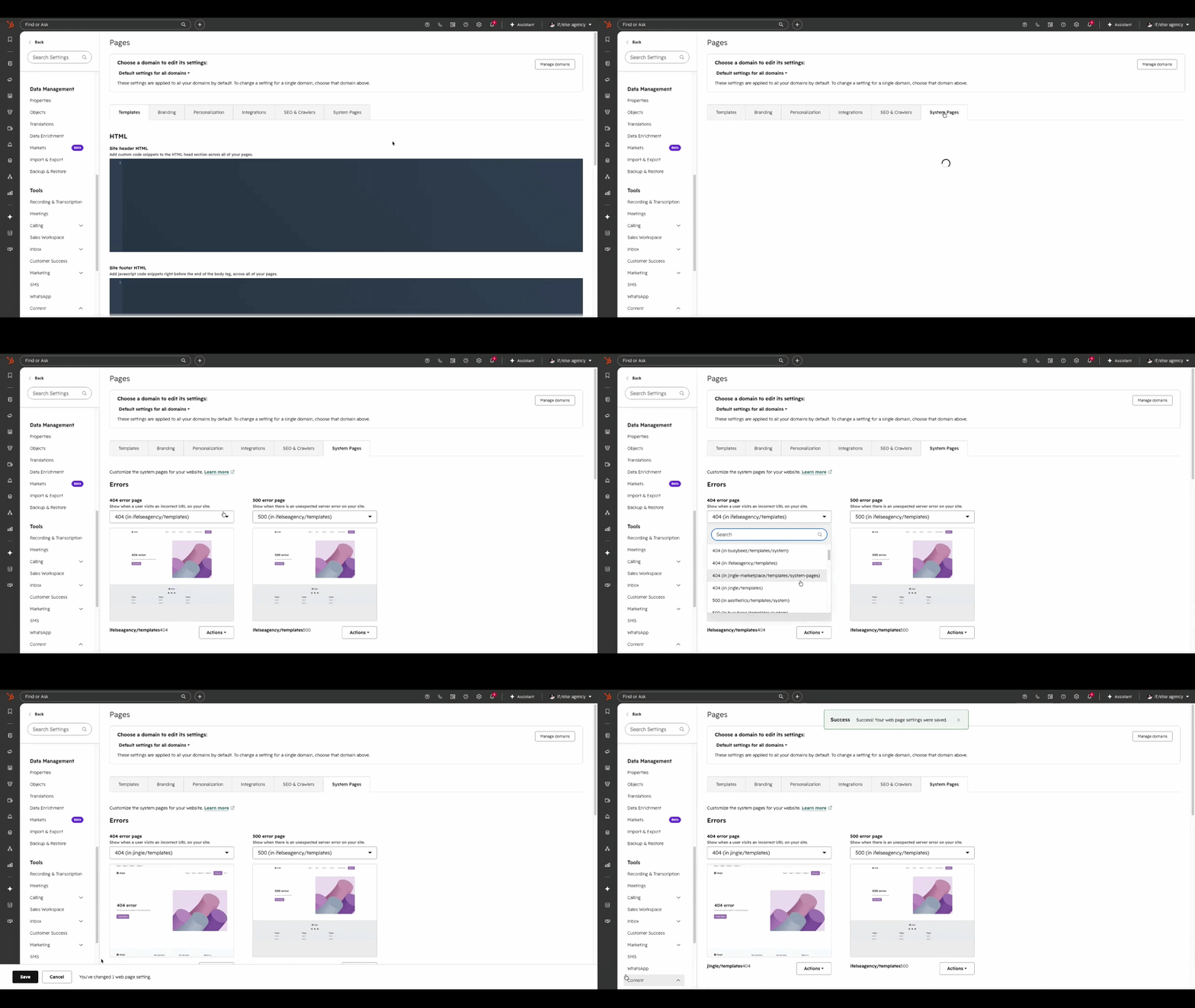
Assign error and system templates
Go to Settings > Content > Pages and, under the System pages section, select the Jingle templates for the 404, 500, password prompt, search results and subscription pages.
Assign membership templates
For login, registration and password reset, set the Jingle membership templates under Settings > Content > Private content (available with content membership).
Customize the content
The accompanying System settings module lets you edit the titles and copy shown on these pages, including localized variations per language.
How to translate the system pages
In HubSpot, you can't natively translate your system pages. But Jingle makes it possible 🥳
To do so, just follow a few steps:
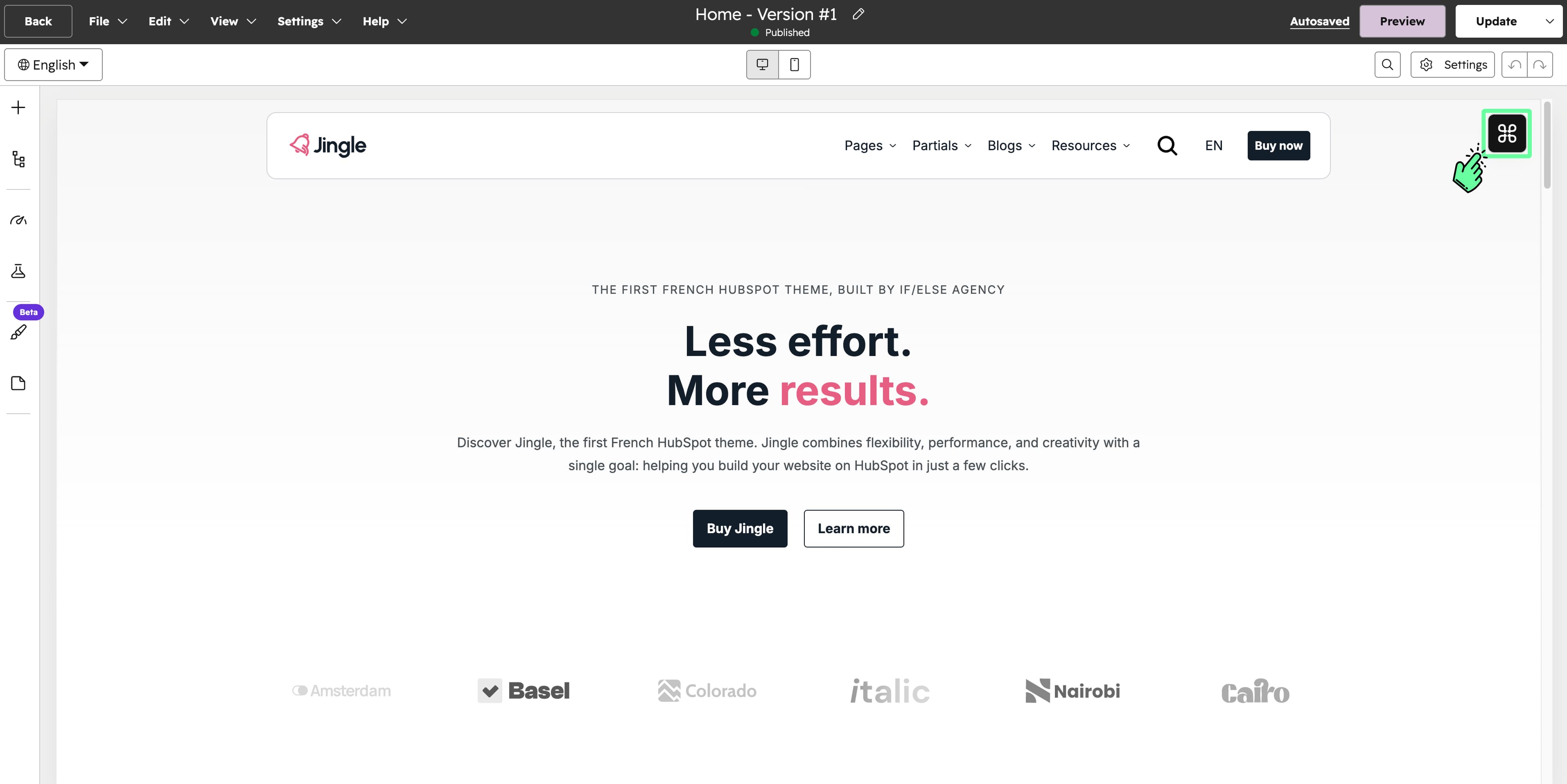
Open the page editor (on the homepage, for example) and click on the if/else tools menu in the top right of the screen.
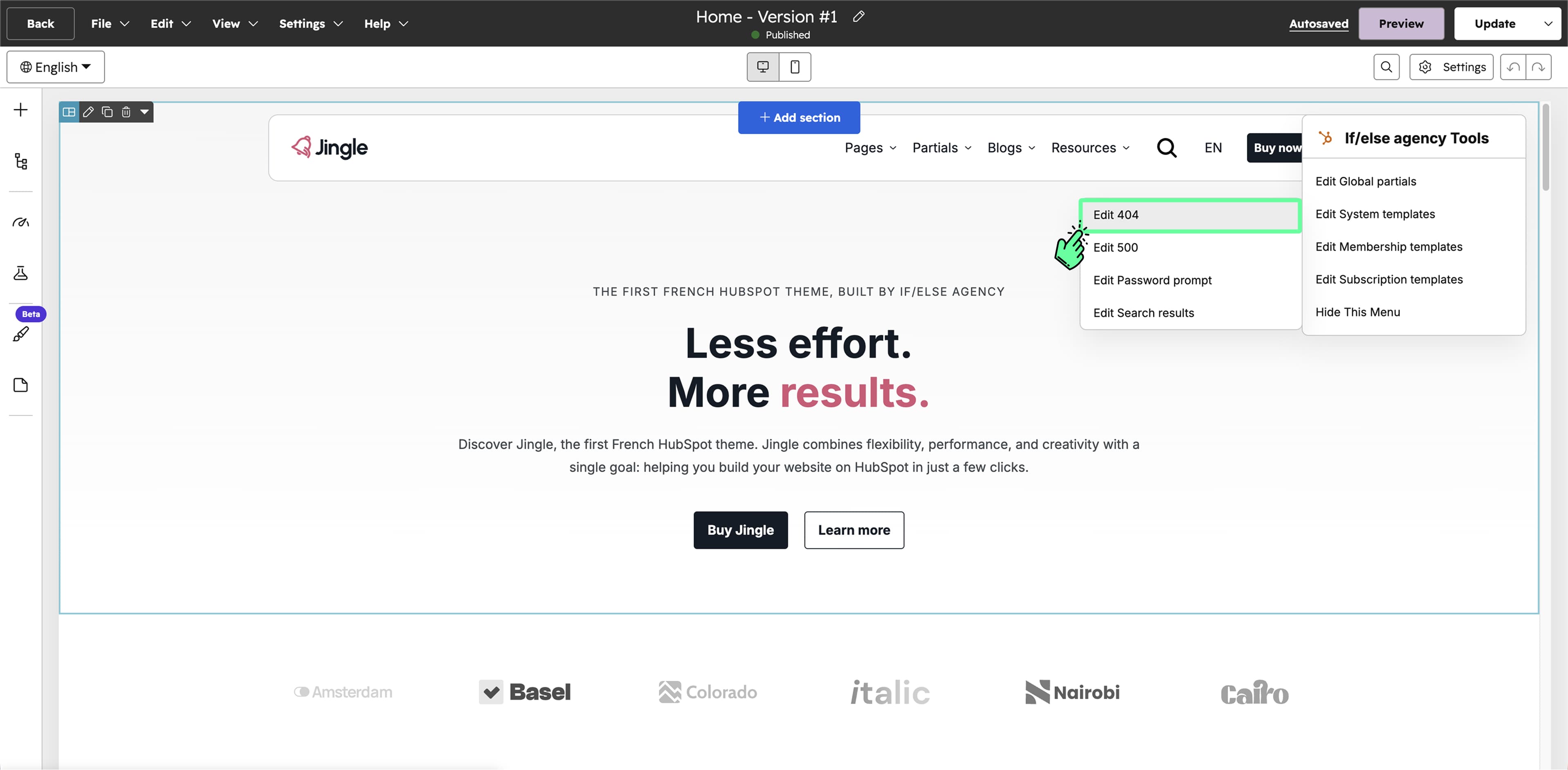
Select the partial you want to edit.
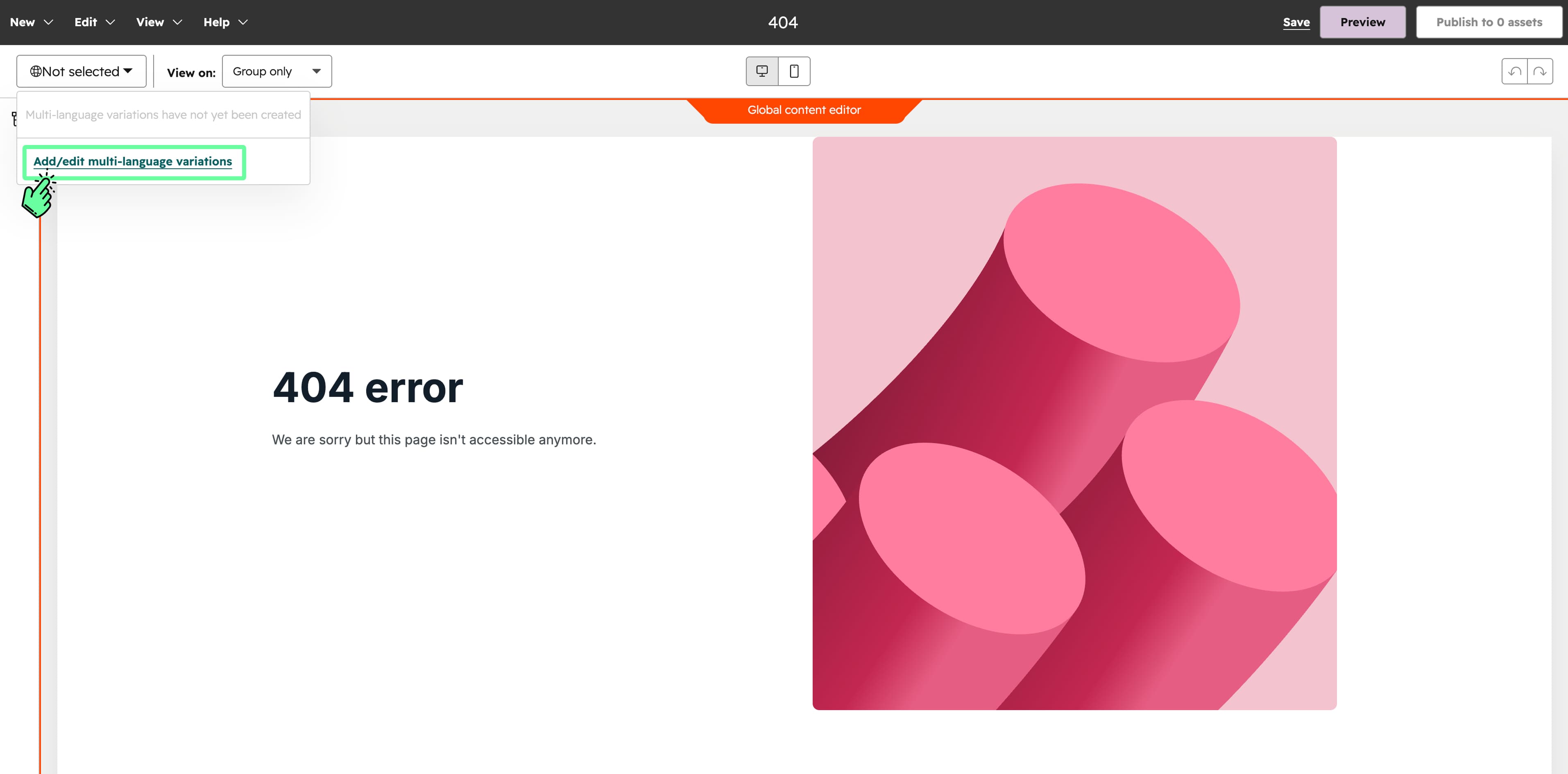
Add language variations inside the global partial.
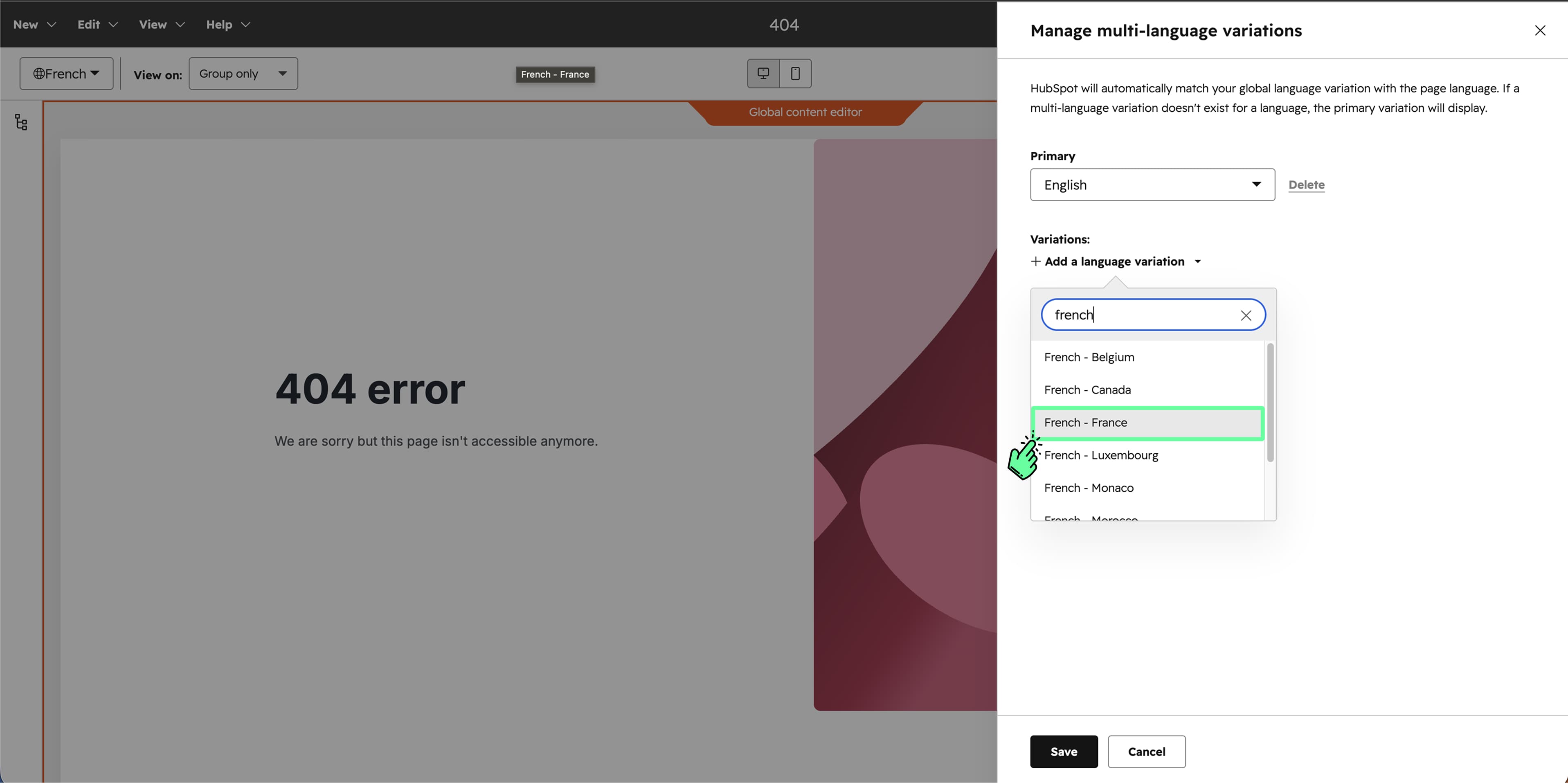
Edit the content in the language you selected earlier.