
Horizontal divider
The Horizontal divider module renders a simple horizontal rule (<hr>) to visually separate content within a section. Its appearance is controlled by thickness, line style and color options. Use it as a lightweight separator between blocks of content.
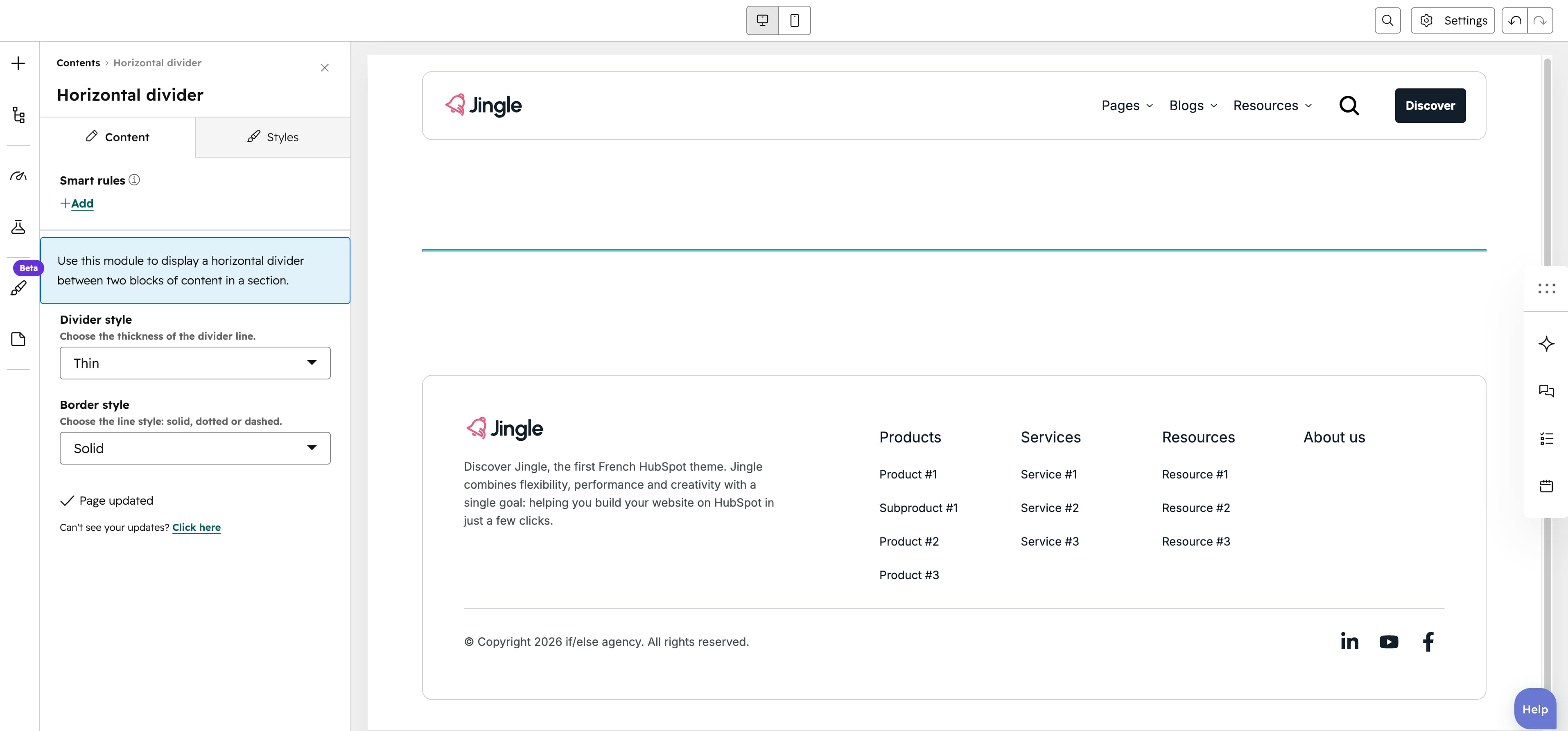
Divider style
The Divider style select sets the line thickness to Thin (default), Medium or Thick.
Border style
The Border style select renders the rule as Solid (default), Dotted or Dashed.
Vertical alignment
The Vertical alignment group positions the divider vertically through its Mobile display, Tablet display and Desktop display selects, each offering Top, Center, Bottom, Space around, Space between or Stretch (default Top).
Horizontal alignment
The Horizontal alignment group positions the divider horizontally through its Mobile display, Tablet display and Desktop display selects, each offering Left, Center, Right, Space around, Space between or Stretch (default Left).
Text alignment
The Text alignment group sets text alignment through its Mobile display, Tablet display and Desktop display selects, each offering Left, Center or Right (default Left).
Divider theme
The Divider theme select colors the divider line using First, Second, Third, Fourth, Fifth, Gray or None (default None).
Animation settings
The Animation settings group controls the scroll-into-view animation. Animation type offers None (default), Fade in, Fade up, Fade down, Fade left, Fade right, Zoom in, Zoom out, Slide up, Slide down, Slide left or Slide right; when it is not None, Duration (0.1–3s, step 0.1, default 0.6s), Easing (Smooth (power1.out), Default (power2.out), Snappy (power3.out), Very snappy (expo.out), Sine (sine.out), Overshoot (back.out), Springy (elastic.out), Bouncy (bounce.out) or Linear (none); default Default (power2.out)), Delay (0–5s, step 0.05, default 0s) and, for slide and directional-fade types, Travel distance (0–200px, step 5, default 30px) appear.
Mobile order
The Mobile order slider (-5 to 5, in steps of 1) shifts this module earlier or later than its siblings on mobile; lower numbers appear first.